 snuup
Is there an AI visibility plugin for WordPress?
Updated 23 October 2026

Yes. The Snuup plugin fixes the settings that hide your site from ChatGPT, Claude, Gemini and Perplexity. It connects your WordPress website to a Snuup plan, then makes the fixes and publishes your new blog posts, by itself once you turn that on. You can check the common blockers yourself first, for free.
What hides a WordPress site from AI
Common WordPress blockers
Discourage search engines
One checkbox in Settings > Reading. It adds a noindex tag to every page.
A security or firewall plugin
Blocks bots by default, AI crawlers included.
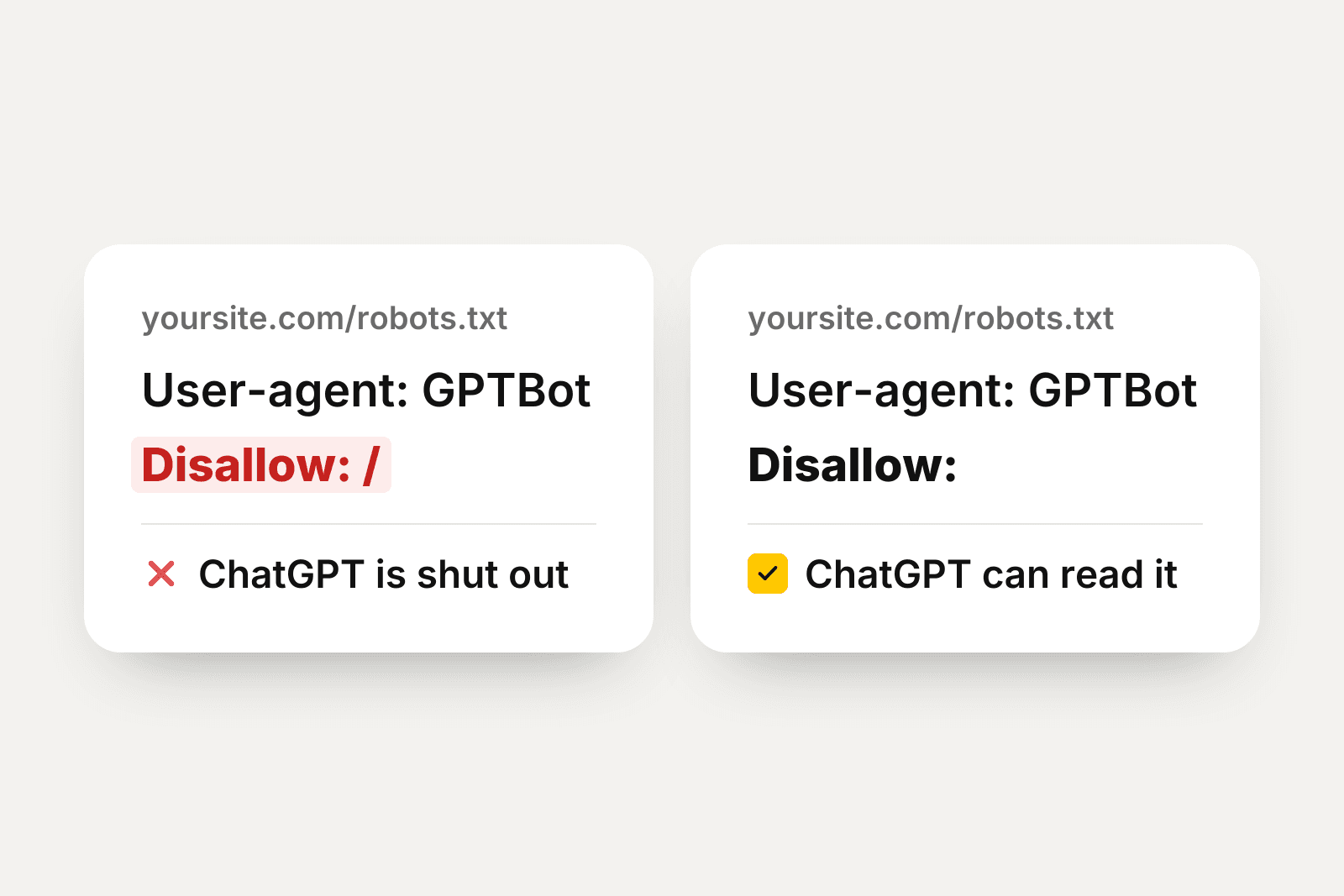
A Disallow line in robots.txt
Names an AI crawler and blocks it from the whole site.
A missing title or description
Leaves AI with nothing to read where your business name should be.
A WordPress site can hide from AI through its own settings. No code needs to break for that to happen.
Each blocker is a setting you can flip back.
Check it yourself first
Check it: open yoursite.com/robots.txt in your browser, with your own domain in place of yoursite.com. Look for GPTBot, ClaudeBot, PerplexityBot or Google-Extended next to the word Disallow. The full walkthrough lives in Does your website block ChatGPT?
Check it: view the source of your homepage and search the page for the word noindex. Its presence tells AI to skip the page.
Check it: open Settings, then Reading, in your WordPress dashboard. A checked box next to Discourage search engines blocks AI along with search engines. Our free AI crawler check reads your robots.txt file for you.
What the plugin does
Once it's connected
- ✓Your new blog posts are published for you
- ✓Your website fixes are made for you
- ✓You see your visitors from AI
Everything it adds stays yours, even if you cancel.
The Snuup plugin connects your website to your Snuup plan. Once it's connected, each new page we write for you goes up on its day as an ordinary WordPress page, your website fixes are made for you, and you see the visitors AI sends you.
The fixes it makes
Nothing changes on your website until you connect it. The plugin checks each fix on your live website right after it makes it.
It works with Yoast and Rank Math, writing your homepage's title and description into their own settings. On a multisite network each site connects on its own, and only the main site can change robots.txt and llms.txt.
- 1Unblock the AI crawlers reading your site.
- 2Remove noindex and noai tags.
- 3Set the site title.
- 4Publish an llms.txt file.
- 5Add schema code.
- 6Improve meta descriptions.
Install it
The plugin lives on the plugin page on wordpress.org. You can also download the zip and upload it under Plugins > Add New > Upload Plugin.
The plugin connects to a Snuup plan. On a website that isn't WordPress, you add one line of code instead, and paste in each new page and fix with our steps.
- 1Open Plugins in your WordPress dashboard.
- 2Click Add New.
- 3Search for Snuup.
- 4Click Install Now.
- 5Click Activate.
- 6Paste the code from your Snuup dashboard and click Connect to Snuup.