 snuup
snuupDoes my website block ChatGPT?
Updated 24 July 2026
A file on your website called robots.txt tells crawlers what they can read. One wrong line in it hides your whole site from ChatGPT. Website builders and firewalls sometimes add that line without you knowing. Open yoursite.com/robots.txt and look for the name GPTBot. The fix is usually one line.
Why AI reads your website at all
The crawlers, and who they feed
 GPTBotChatGPT
 ClaudeBotClaude
 Google-ExtendedGemini
 PerplexityBotPerplexity
ChatGPT learns about your business from two places: pages other people wrote, and your own website. It reads your website with a crawler, a program that visits pages and saves what they say. OpenAI's crawler is called GPTBot. The other AIs send their own.
A blocked crawler cannot read your site. ChatGPT then knows only what other people say about you. If they say little, you fade out of the answers.
Check your robots.txt
yoursite.com/robots.txt
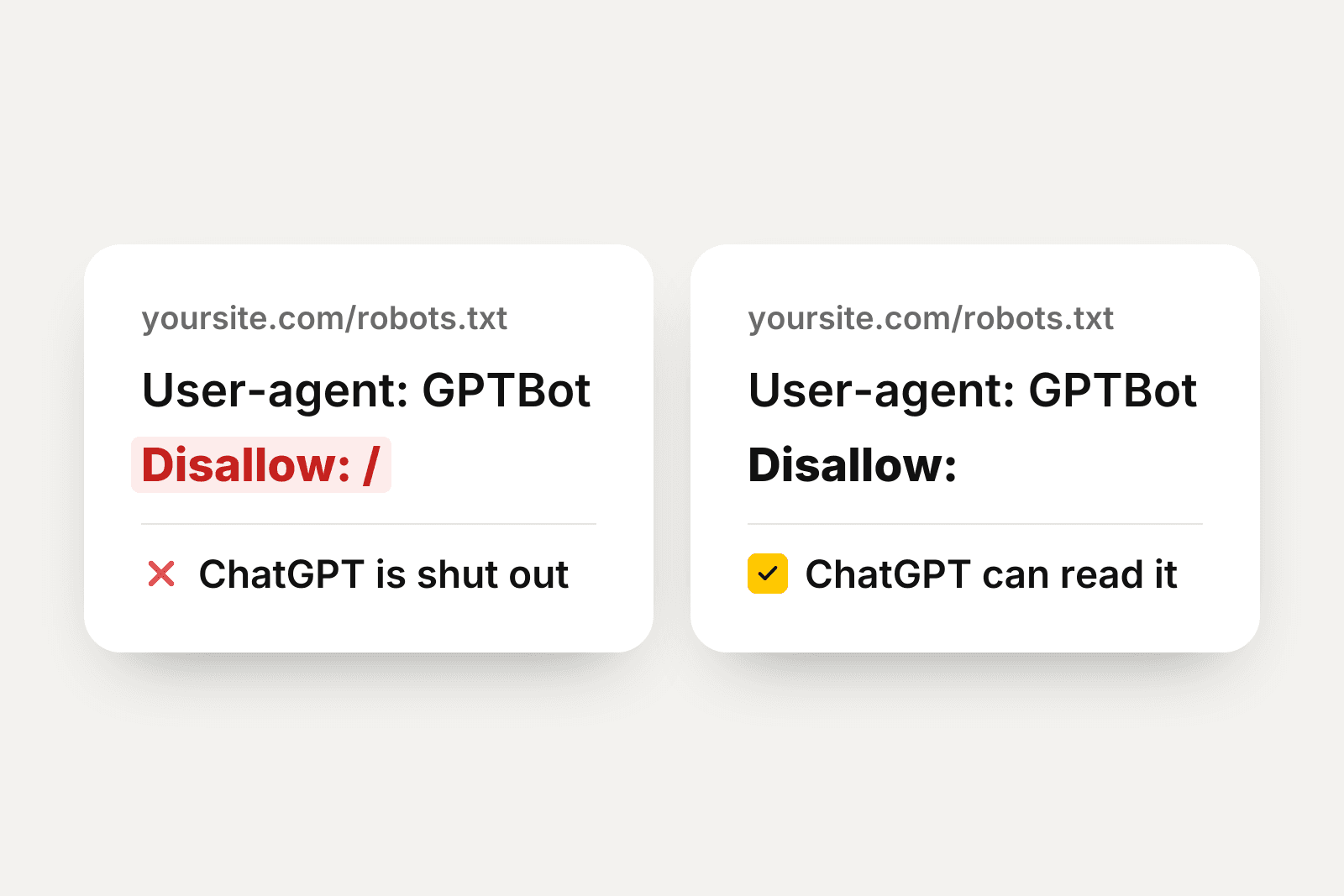
User-agent: GPTBot
Disallow: /
These two lines lock ChatGPT out of every page on the site.
robots.txt is a plain text file. Crawlers read it before they read anything else on your site. Open yoursite.com/robots.txt in your browser, with your own domain in place of yoursite.com.
No file at all is fine. An empty file is fine. The problem is the word Disallow under an AI crawler's name. Look for GPTBot, ClaudeBot, PerplexityBot and Google-Extended.
Our free AI crawler check reads the file for you. Type your website there. It shows who is blocked.
How to read what you see
✕ Blocked
User-agent: GPTBot
Disallow: /
The slash means the whole site.
✓Open
User-agent: GPTBot
Disallow:
Nothing after the colon means nothing is blocked.
Disallow with a slash blocks the whole site. Disallow with nothing after the colon blocks nothing. One character is the whole difference. That is why this mistake survives for months.
One more line to know: User-agent: * means every crawler. A Disallow: / under it blocks them all, AI and Google alike. That one hides you from search too.
Check your firewall and your website builder
robots.txt is not the only gate. Cloudflare has a one-click setting that blocks AI crawlers. Some website builders and security plugins block them by default. The owner never sees a warning.
Check it: open your firewall or builder dashboard. Look for a setting with AI, bots or crawlers in the name. Read what it blocks before you trust the default. On WordPress, a free AI visibility plugin checks whether your robots.txt turns AI away.
How to unblock
Blocking AI on purpose is a fair choice for a site that sells its writing. A business that wants customers from AI wants the door open. Four steps:
- 1Find where your site edits robots.txt. Website builders keep it under SEO or crawler settings. Ask their support if you can't find it.
- 2Delete the Disallow lines under GPTBot, ClaudeBot, PerplexityBot and Google-Extended.
- 3Turn off firewall rules that block AI crawlers.
- 4Keep Googlebot and Bingbot open too. ChatGPT's live search leans on Bing, so blocking Bing hides you twice.
Unblocked is the floor, not the win
An open site lets AI read you. It does not make AI recommend you. Recommendations come from pages AI trusts that praise you. The full list of causes and fixes is in Why doesn't ChatGPT recommend my business? Unblock first. It is the fastest fix on the list.
Questions
Does blocking GPTBot remove me from ChatGPT today?
Not instantly. ChatGPT's memory may still hold old pages about you. The block stops fresh reading: live search can't open your pages and future training won't include them. The answers about you get older and vaguer until they are wrong.
How does snuup check this?
We read your robots.txt and your pages the same way the AI crawlers do. A block shows up as a problem in your check, with the exact lines we found as proof and the fix to apply.
Will unblocking hurt my Google ranking?
No. The AI crawlers are separate from Googlebot. Unblocking GPTBot changes nothing about search. The reverse matters more: a Disallow under User-agent: * blocks Google and AI together.
My website builder has no robots.txt setting. What now?
Ask their support one question: do you block AI crawlers on my site? Some builders manage the file for you and unblock on request. The snuup check tells you whether a block is live either way.
Should anyone block AI crawlers?
Sites that sell their writing sometimes block on purpose, and that is a fair trade for them. A business that wants AI to send it customers should stay open. You can't be recommended by something that can't read you.
Keep reading

Why doesn't ChatGPTrecommend you?
ChatGPT recommends businesses it has read about on sites it trusts. Here are the six reasons it skips yours, each with a free check you can run today.
Updated 24 July 2026
What does ChatGPTsay about you?
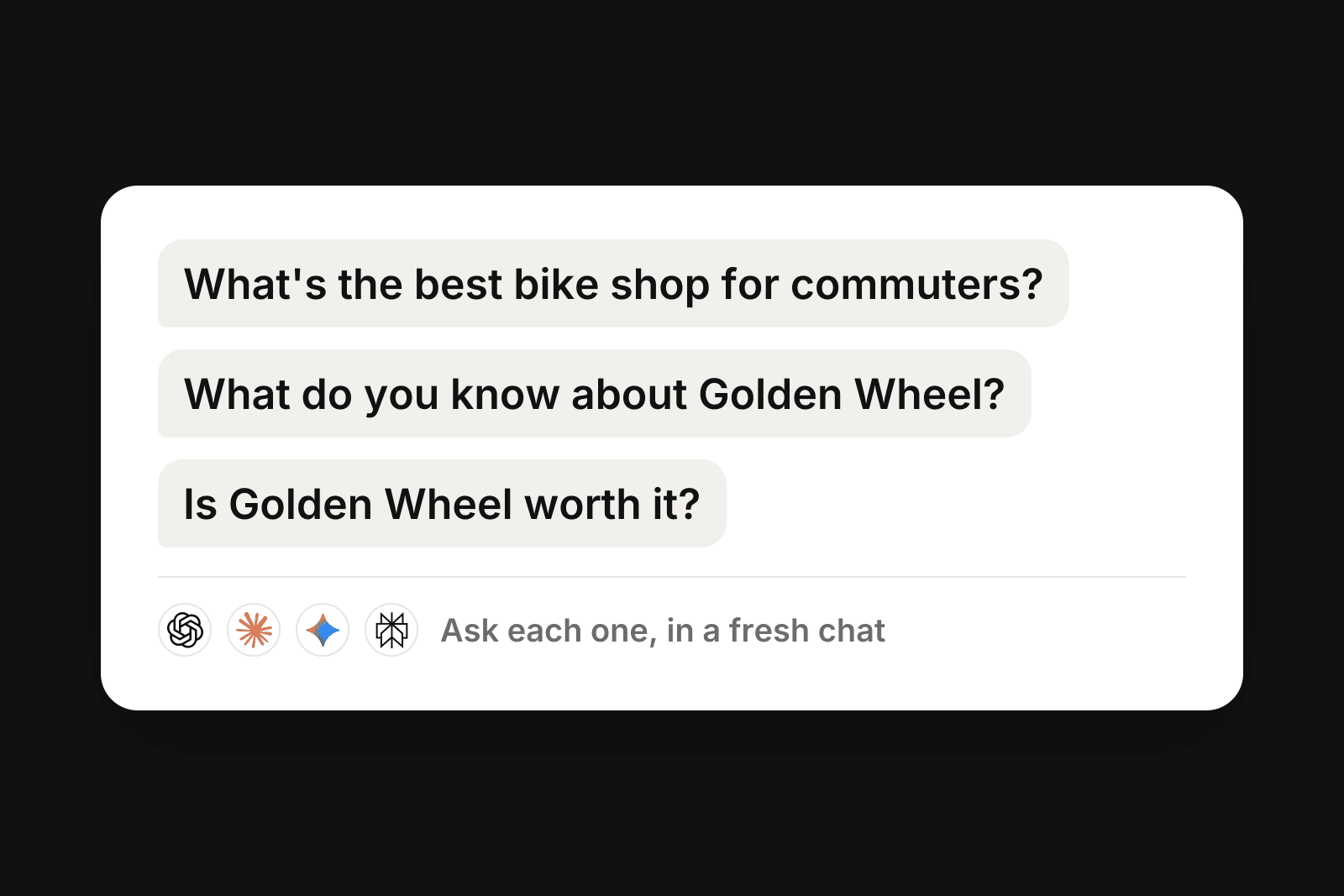
The three questions to ask ChatGPT, Claude, Gemini and Perplexity, and how to read what comes back. Free, about fifteen minutes by hand.
Updated 24 July 2026